Squarespace Cheats I Use All the Time
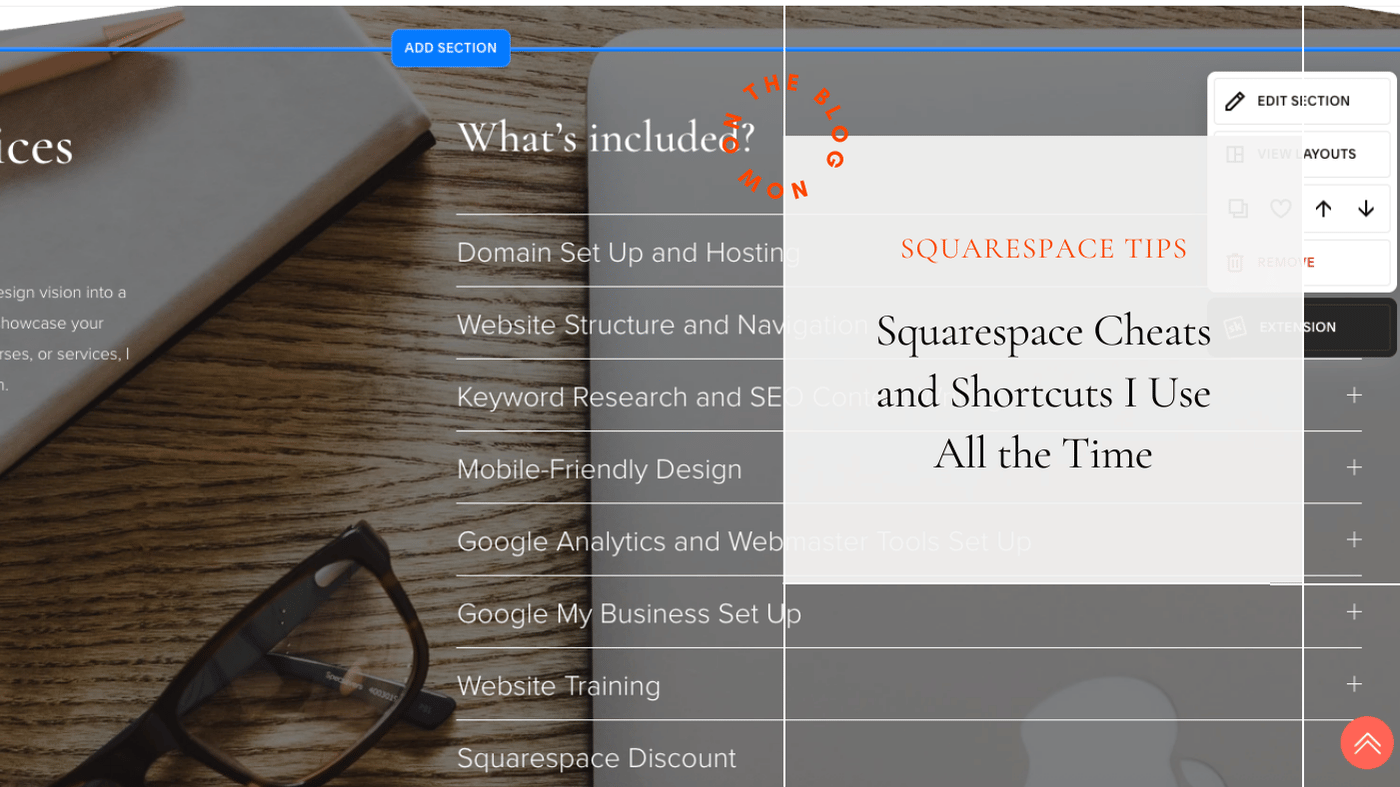
Squarespace is designed to be user-friendly, but some of its most useful features are easy to miss.
They’re not flashy and they’re not always obvious, but they make a huge difference to how easy a site is to build, update, and keep consistent over time.
These are the Squarespace shortcuts and habits I use constantly when building and fixing websites.
Use the grid view to understand what’s really happening
When you’re editing a page, pressing G shows you the grid structure of that section.
This is incredibly helpful when:
spacing feels off
things won’t line up
a section looks fine on desktop but strange on mobile
Seeing the structure makes it much easier to understand what you’re actually editing, rather than guessing why something isn’t behaving as expected.
The love heart icon is one of Squarespace’s best features
This is one of the most powerful and underused tools in Squarespace.
Clicking the love heart icon lets you save sections as reusable blocks.
These are ideal for:
call to action sections
newsletter sign-ups
testimonial layouts
blog promotion sections
Once saved, you can reuse the same section across multiple pages.
The benefit is speed and consistency. You can keep your CTAs and key sections looking the same across the site, and it makes building new pages much faster.
Be careful when duplicating pages and sections
Duplicating content can save time, but it can also quietly introduce problems.
After duplicating, always check:
headings still make sense
URLs are correct
old content hasn’t been carried over by mistake
A quick review avoids confusion later, especially on larger sites.
Buttons and links deserve more attention than they get
Links are one of the most common things I see broken on Squarespace sites.
Changing a page URL will break any buttons or links pointing to the old URL. Squarespace doesn’t automatically update those for you.
This is why it’s best to finalise URLs as early as possible and double-check buttons after any page slug changes. I also recommend adding button links right at the end of the build. If you add them too early, you’ll almost always end up doing the work twice.
When adding links, use Squarespace’s search option to link to internal pages rather than pasting in full URLs. This keeps links more reliable and easier to manage.
It’s also good practice to:
open internal links in the same tab
only open a new tab when linking to an external website
Small details like this make a big difference to how smooth a site feels to use.
Preview mobile after every meaningful change
Mobile styling shouldn’t be left until the end.
Any time you:
add a new section
change spacing
adjust text size
move content around
take a moment to preview mobile. Small fixes made early are much easier than fixing everything at once later.
These cheats don’t replace good structure
Shortcuts are most useful when the foundations are already solid.
Used well, these features help keep Squarespace sites tidy, consistent, and far easier to manage as content grows. They save time, reduce frustration, and make ongoing updates much less painful.
Need help applying this to your own site?
Knowing these tools exists is one thing. Knowing when and how to use them is another.
If you’d like help cleaning up a Squarespace site, fixing layout issues, or setting things up so updates are easier going forward, get in touch. Sometimes a short session is all it takes to make a site feel manageable again.