What Every Squarespace Website Footer Should Include
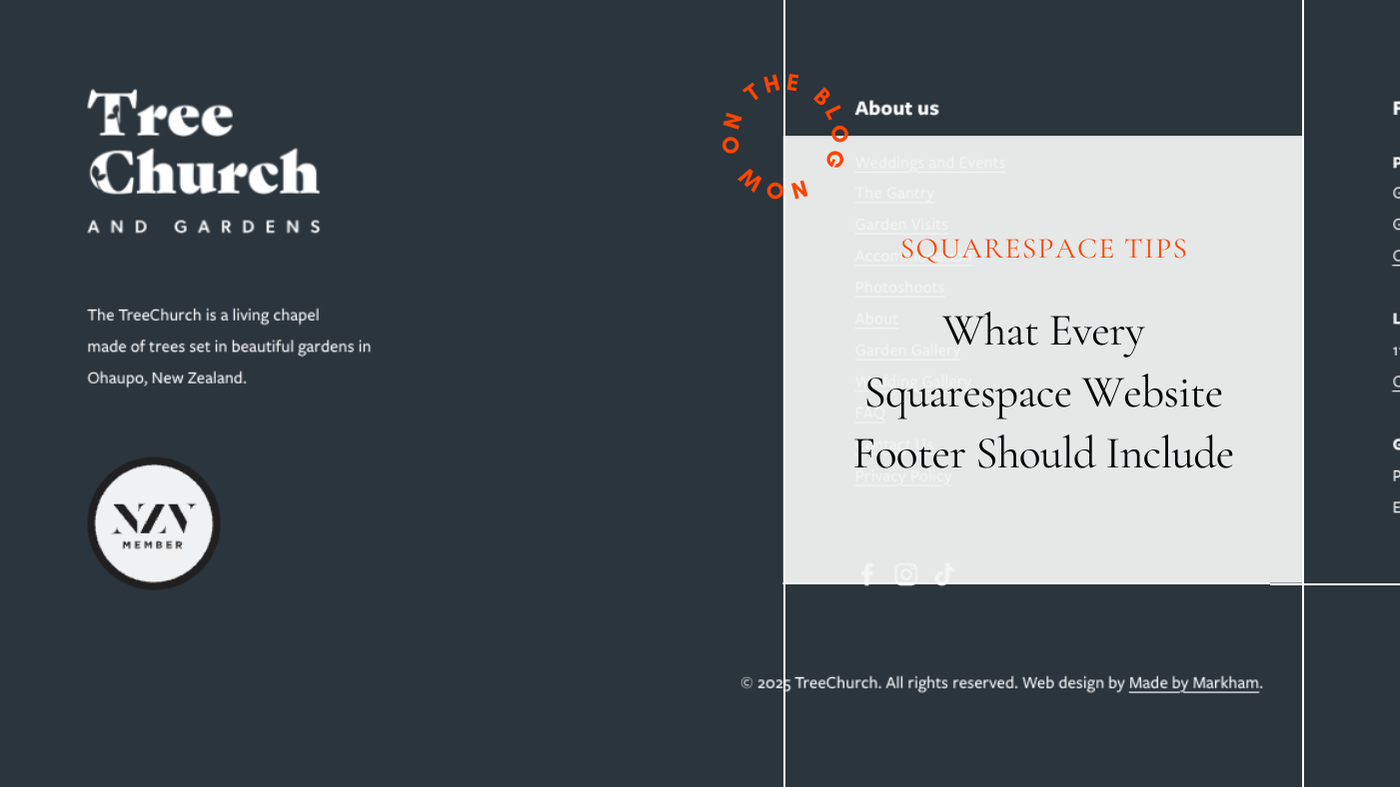
Footers don’t usually get much attention, but they can have a surprisingly big impact on how a website feels.
A poorly thought-out footer can make an otherwise good site look unfinished, cluttered, or unprofessional. On the flip side, a well-considered footer quietly reinforces trust and credibility.
Not every site needs a big, information-heavy footer. Some of the best-looking websites have very simple ones. The key is that whatever approach you take, it’s intentional, tidy, and works properly.
Make contact details easy to find and use
One of the main reasons people scroll to the footer is to find contact information.
At a minimum, your footer should include:
a clickable email address
a clickable phone number, especially for mobile users
a physical address if your business has one
If someone reaches the bottom of a page and still can’t work out how to contact you, the footer isn’t doing its job.
Include your logo or brand mark
Your footer is still part of your brand.
Including your logo or a simplified brand mark helps reinforce who the site belongs to and adds a layer of polish. It also helps visitors quickly orient themselves if they’ve scrolled a long way down a page.
Your logo can also be used as a clickable image that links back to the homepage, acting a bit like a subtle “back to top” cue without needing an extra button.
Basic and minimal footers are completely fine
Not every website needs a packed footer.
If your site design is clean and minimal, a simple footer often looks better than one crammed with links and information. A basic footer might include nothing more than contact details, a copyright notice, and one or two essential links.
Problems usually arise when:
a very minimal site suddenly has a crowded footer
the footer feels disconnected from the rest of the design
information is added “just in case” rather than with intent
A footer should match the tone of the rest of the site.
Add credibility signals, especially for NZ businesses
Small details can go a long way in building trust.
For New Zealand businesses, consider including:
your registered company name
a link to your NZ Companies Office listing
your NZBN if you have one
These details aren’t flashy, but they subtly reassure visitors that your business is legitimate and established.
Don’t forget the legal basics
Most websites should include:
a privacy policy
terms and conditions where appropriate
a copyright notice
These don’t need to dominate the footer, but they should be easy to find and kept up to date.
Whatever you include, make sure it works properly
A simple footer done well is far better than a detailed footer done poorly.
Make sure:
all links work
email addresses and phone numbers are clickable
external links open correctly
nothing is outdated or misleading
Broken or incorrect footer links are one of the quickest ways to undermine trust.
A small section that says a lot
Footers don’t need to shout, but they do quietly communicate care and professionalism.
When done well, they make a site feel complete and considered. When done badly, they can drag the whole site down. Getting this small section right often makes more difference than people expect.
Need help tidying up your footer?
Footers are easy to overlook, especially when you’re focused on page content and layout.
If you’re not sure whether your footer is doing too much, too little, or just needs a tidy-up, I can help review and refine it as part of a broader Squarespace refresh. Sometimes a few small changes here make a big difference. Get in touch and let’s chat.